Developer Tools
Editors, CLIs and everything around the build loop.


Superdesign Prompt Library
Biggest community driven design prompt library, covering styles, animations, UI components, etc. You can build & share design prompts with your team privately or contribute publicly; It works with any coding agent
Developer Tools


OssAIX
A calm, curated directory of open-source AI projects and tools. Focused on signal-first repos worth revisiting, it surfaces frameworks, models, tooling, agents, and infrastructure. Browse featured picks, explore categories, submit projects, and jump to GitHub. Built deliberately quiet and updated continuously for practical discovery.Key featuresCurated directory of 99+ open-source AI projects and tools.Organized by frameworks, models, tooling, agents, and infrastructure.Signal-first featured picks updated continuously from notable GitHub repos.Browse projects, submit entries, and explore focused categories easily.Includes links to GitHub, social, and contact email for connection.
Developer Tools


SkreenPro
Capture screenshots, annotate with powerful tools, and share instantly. The beautiful, free, and open source screenshot tool built for creators and developers.
Developer Tools


Burner Note
Send private notes that automatically delete after reading. End-to-end AES-256 encryption in your browser. Zero-knowledge architecture means we can't read your messages. Free, open source, no tracking.
Developer Tools


Repo Prompt
Repo Prompt helps AI models understand your codebase without wasting tokens on irrelevant code. Context Builder analyzes your project and selects the files and functions needed for your task, building dense context that fits in model limits. It works with your existing AI subscriptions (Claude MAX, ChatGPT Plus, Gemini) — no extra API costs. The MCP server turns Repo Prompt into a backend for Claude Code, Cursor, and Codex, giving them context analysis and discovery they can't do on their own.
Developer Tools
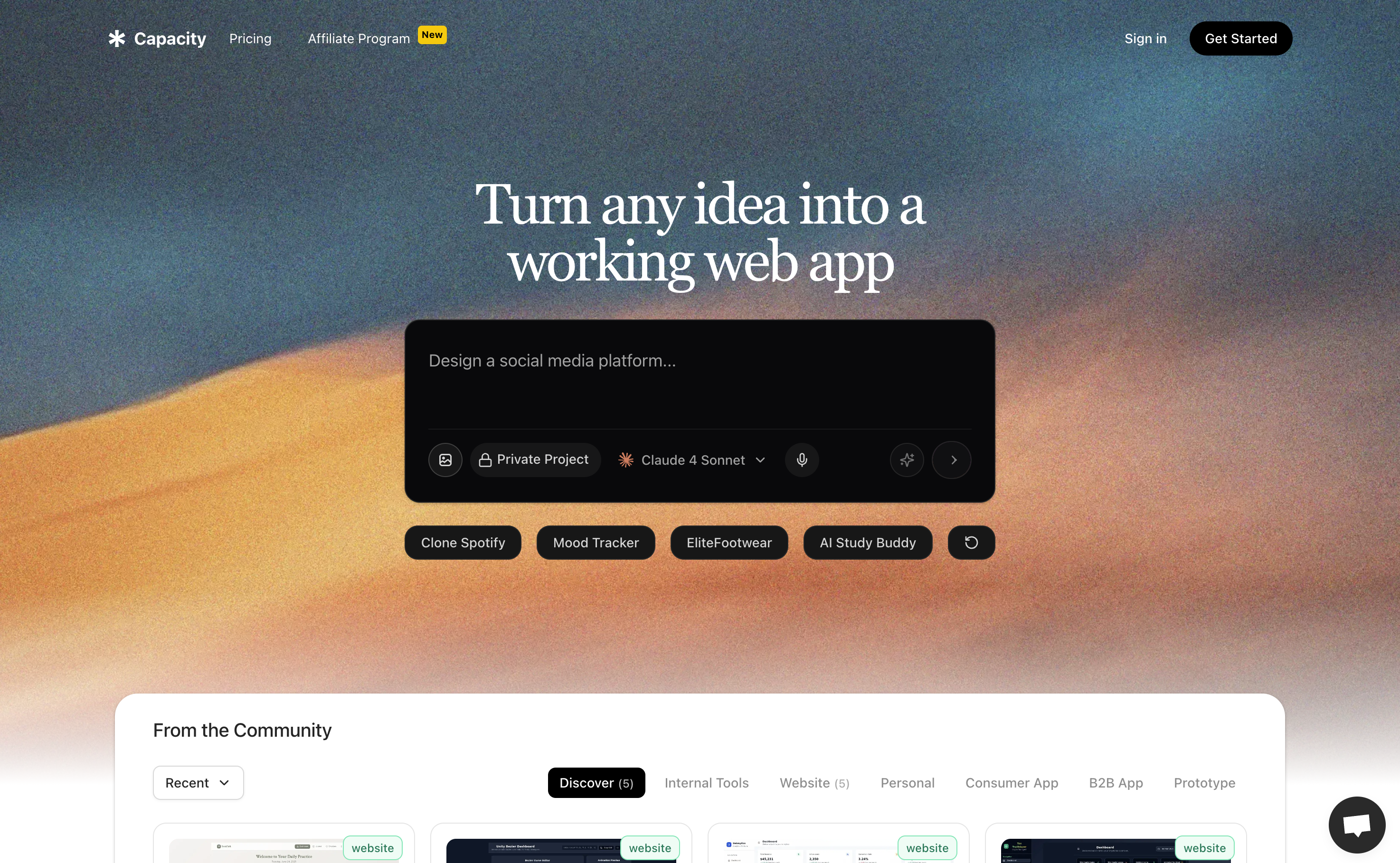

Spec Coding by Capacity
Most AI app builders jump straight into building. That feels fast until your app gets messy, inconsistent, and nothing like what you imagined. Today, we’re introducing Spec Coding in Capacity. Instead of building immediately, Capacity now lets you define your app first with the help of an AI co-founder that asks the right questions before any code is generated. More structure upfront. Far less refactoring later. Much better results.
Developer Tools


Graysky 2.0
Graysky 2.0 adds Liquid Glass support!
Developer Tools


MiroMiro
The fastest way to copy any website's design. MiroMiro is a Chrome extension that lets you inspect and extract design assets from any website without opening DevTools. Hover over any element to instantly copy its CSS, colors, fonts, and spacing. Download images, SVGs, and even Lottie animations with one click. Extract design tokens and export them as Tailwind config or CSS variables. Built for designers and developers who want to stop rebuilding from scratch and start shipping faster.
Developer Tools


Fluxer
An open-source, independent instant messaging and VoIP platform. Built for friends, groups, and communities.
Developer Tools


Ultracite v7
Ultracite is designed to help you and your AI models write consistent and type-safe code without the hassle of configuration. Trusted by top companies like Vercel, Clerk, and ElevenLabs. Get started in seconds. npx ultracite@latest init
Developer Tools


Flux
AI doesn’t have an intelligence problem - it has an interface problem. Flux is the first platform for building personalized conversational agents that live inside messaging platforms like iMessage and WhatsApp. By meeting users where they already communicate, Flux enables agents to feel less like software and more like people - trusted friends, tutors, or assistants. The future of AI isn’t another app. It’s agents that interact with humans on an emotional level.
Developer Tools


Community Figma MCP server
The unofficial Figma Model Context Protocol(MCP) server is a missing link between your AI agent and the Figma design document. Now, AI agents can create, edit, and arrange your Figma design. You can use it together with ChatGPT, Claude Desktop, Cursor, or any other client that supports MCP. The project is free and open source. You don't need anything extra. You use Figma together with your LLM.
Developer Tools